
How to Bind JazzCash or Easypaisa in Betpkr
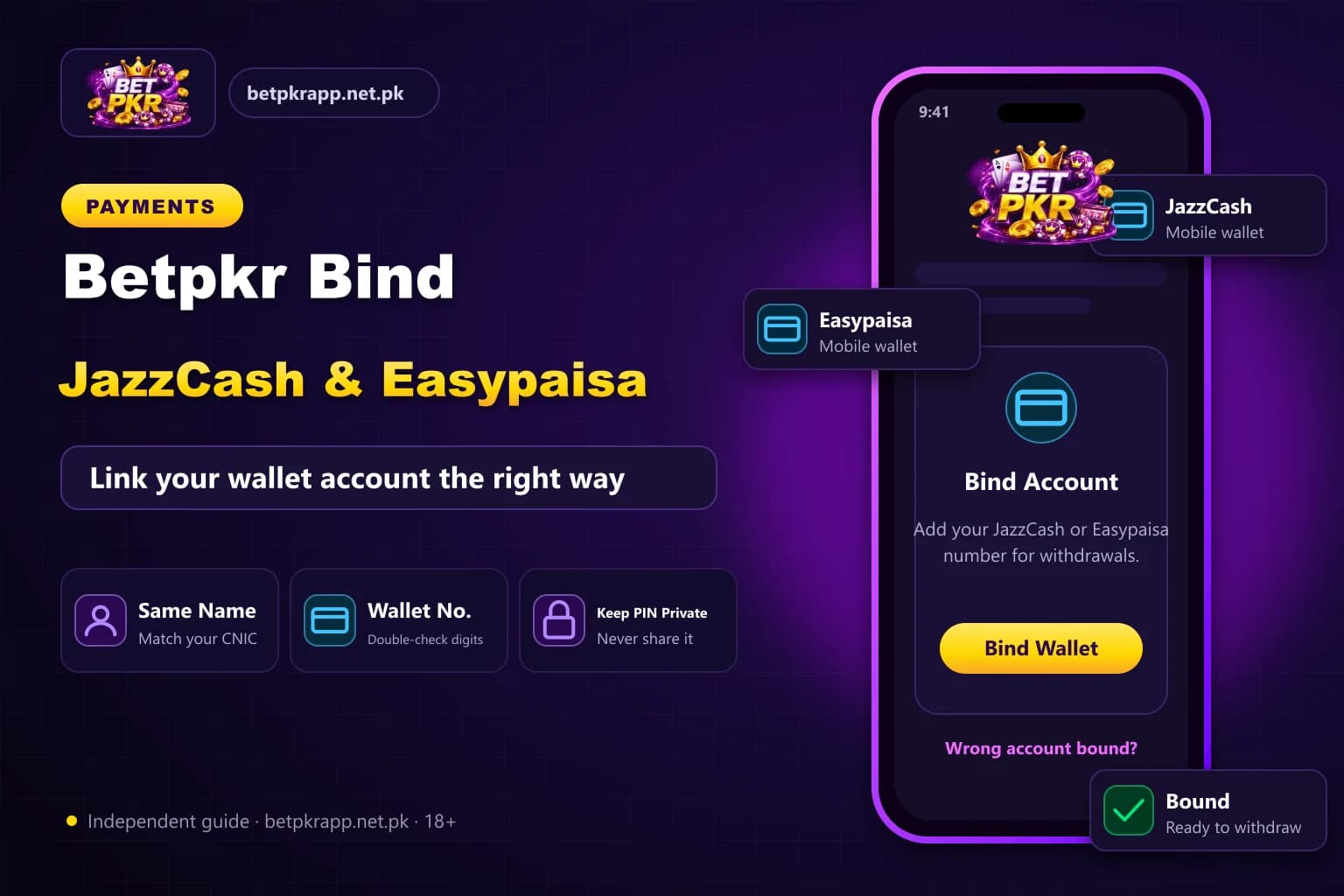
Before you can withdraw from Betpkr, the account normally needs a payout method saved in it. For most players in Pakistan that means binding a JazzCash or Easypaisa mobile wallet. Getting this step right the first time saves you from rejected withdrawals and long support chats later.
This guide walks through binding each wallet, explains the name and CNIC mismatch errors that cause most problems, and shows how to request a wallet change safely. Menu names can differ between app versions, so always follow the labels on your current in-app screen.
We are an independent information site, not the official Bet PKR operator. Betpkr involves real money and is for adults aged 18 and over only. Only use funds you can afford to lose, and read our responsible gaming page if play stops feeling like entertainment.
How do I bind JazzCash or Easypaisa to Betpkr?
Binding JazzCash or Easypaisa to Betpkr means saving your wallet as the payout account: log in, open the wallet or withdrawal account section, tap Add Account, choose the method, then enter the exact account title and mobile number. Confirm with any OTP, and keep the wallet registered on your own CNIC.
| Item | Detail |
|---|---|
| Wallets | JazzCash, Easypaisa (check in app) |
| Name rule | Account title should match your Betpkr profile |
| Changing a wallet | Often needs in-app support approval |
| Age | 18+ only |
| Last updated | October 7, 2026 |
Key Takeaways
- Betpkr withdrawals are generally paid only to the JazzCash or Easypaisa wallet bound to your account.
- Enter the account title exactly as your wallet app shows it to avoid name and CNIC mismatch errors.
- Use a wallet registered on your own CNIC; a relative's wallet is a frequent cause of payout holds.
- If there is no edit option, request a wallet change through in-app support and wait for approval.
- Never share your MPIN, password or OTP with agents; Betpkr is for adults 18+ only.
Why Binding a Wallet Matters for Betpkr Withdrawals
Binding links a specific JazzCash or Easypaisa account to your Betpkr profile. When you request a withdrawal, the platform sends money to that saved wallet rather than to any number typed at the moment. This protects you: if someone guesses your password, they cannot simply redirect your balance to their own wallet.
Binding usually affects three things:
- Where withdrawals are paid. Payouts generally go only to the bound wallet.
- How fast checks pass. Matching details reduce manual review.
- How hard a change is. Once saved, a wallet often needs support approval to replace.
Because a wrong digit can send money to a stranger, treat this step as seriously as setting your password. For the full payout process, see our Bet PKR withdrawal guide linked below.
Before You Start: Quick Checklist
Have these ready before opening the bind screen:
- You are logged in through a verified link or app, not a forwarded APK. Our fake website and APK checklist explains how to tell.
- Your JazzCash or Easypaisa account is active and registered on your own CNIC.
- The wallet SIM is in your phone so you can receive any OTP.
- You know the exact account title as it appears in your wallet app.
- Your Betpkr profile name matches that title, if the platform asks for a real name.
How to Bind JazzCash to Your Betpkr Account
The exact labels may read Bind Account, Add Bank Card, Withdrawal Account or Wallet Management. The steps below describe the usual flow.
- Open the Betpkr app or site and log in.
- Go to Profile or Account, then find the wallet or bank account section. Some versions show it only when you tap Withdraw.
- Choose Add Account and select JazzCash from the payment list.
- Enter the account holder name exactly as shown in your JazzCash app.
- Enter your JazzCash mobile number in the format the form shows, usually starting with 03.
- Enter CNIC or other details only if the form requests them.
- Confirm with the OTP or withdrawal password if prompted.
- Check that the saved account appears in your list with the correct number.
Open the JazzCash app and compare the name and number once more. Spotting an error now is far easier than chasing a misdirected payout later.
How to Bind Easypaisa to Your Bet PKR Account
The Easypaisa flow is almost the same, but a few details trip people up.
- From the same wallet or withdrawal account screen, tap Add Account.
- Select Easypaisa as the method.
- Type the account title exactly as Easypaisa displays it, including middle names.
- Enter the Easypaisa mobile number linked to that title.
- Complete any OTP or security password step.
- Confirm the new entry shows Easypaisa and not another method.
Common Easypaisa slip: binding a number that is not registered for an Easypaisa wallet, or one registered on a family member's CNIC. Both usually fail or get held during payout review.
Fixing Betpkr Name and CNIC Mismatch Errors
A mismatch error means the details you entered do not line up with what the wallet or the Betpkr profile expects. It is the most common reason a binding or withdrawal is rejected.
- Spelling differences: Muhammad vs Mohammad, or a missing surname. Copy the title from your wallet app.
- Extra spaces or punctuation: remove double spaces and dots unless your wallet shows them.
- Profile name differs: if Betpkr stored a nickname at registration, you may need support to update it.
- Wallet on another person's CNIC: binding a relative's wallet is a frequent cause of holds. Use a wallet in your own name.
- Number not a wallet: a regular SIM without an active JazzCash or Easypaisa account cannot receive payouts.
- Wrong method selected: an Easypaisa number saved under JazzCash will fail.
If the form refuses to save after checking all of these, take a screenshot of the error and contact help through the in-app support option. Our customer service guide explains how to reach help safely.
How to Change a Bound Wallet in Betpkr
Many platforms lock the first bound account for security, so you may not see an edit or delete button. If you can, remove the old entry and add the new one using the same steps above. If the option is missing:
- Open the official in-app support chat from your logged-in account.
- Explain why you need the change, for example a lost SIM or a closed wallet.
- Provide only the verification support asks for inside the app.
- Wait for confirmation inside the app before requesting any withdrawal. Ignore anyone who contacts you first offering to speed it up.
- Check the new wallet details once the change is approved.
If you also changed your phone number, read our mobile number change guide first, because OTP access and wallet changes are often linked.
Can You Bind Two Wallets?
Some versions allow more than one saved account, while others allow only one. Check the wallet section of your current app. Even when several are allowed, keep every wallet in your own name so that payouts are not held for review.
Security Tips for JazzCash and Easypaisa Binding
- Never share your wallet MPIN, Betpkr password or OTP with anyone, including people claiming to be agents.
- Ignore WhatsApp or Telegram messages offering to bind or unlock your wallet for a fee.
- Do not bind a wallet through a link someone sends you. Use only a link you have verified yourself.
- Avoid hack or mod APKs. They are fake and are used to steal accounts and wallet details. Treat any offer of one as a scam.
- Turn on transaction alerts in your JazzCash or Easypaisa app.
- If a withdrawal shows completed but no money arrives, follow our withdrawal completed but money not received guide before contacting anyone.
Deposits use a different flow. The recipient details for a deposit come from the cashier screen at that moment, not from your bound wallet. Our deposit guide covers the safe steps.
Play Responsibly
A saved wallet makes moving money quick, which also makes it easy to deposit more than planned. Set a personal budget before you play, never chase losses, and take breaks. Betpkr is for adults aged 18 and over only, and no game or method guarantees a win. Our responsible gaming page has practical limits you can set.
Betpkr JazzCash and Easypaisa FAQ
Log in, open the wallet or withdrawal account section, choose Add Account, select JazzCash, enter the exact account title and mobile number, then confirm with any OTP or security password the app requests.
Related Guides
We check every step on the public Bet PKR screens using ordinary Android phones and a desktop browser, and we do not publish version numbers, bonus amounts or limits we cannot verify. This is an independent guide, not the operator. Some buttons are referral links, marked as sponsored; they never change our advice. Real-money gaming is for adults 18+ only.
More Bet PKR Guides
 Updated Oct 7, 2026
Betpkr Aviator and Crash Games Explained
Betpkr Aviator and crash games explained: how a round works, manual and auto cash-out, provably fair checks, and why predictor apps are always a scam.
Read More Updated Oct 7, 2026
Betpkr Link Not Opening: Causes and Fixes
Betpkr link not opening or the login page stuck? Find out if it is your network or the site, fix cache and DNS, and find the current link without risk.
Read More Updated Oct 7, 2026
Betpkr Login Password and Transaction Password Reset
Forgot your Betpkr login password or transaction password? Learn the safe reset steps, fix OTP problems and avoid fake password downloads and support.
Read MoreReady to Get Started?
Download the Bet PKR APK or create an account to continue.