
 Preview



Bet PKR Login Guide and Account Recovery
The Bet PKR login page allows registered users to access their profile, wallet, transaction history, games and support options.
Login details may include a mobile number, username or email address together with a password. Some users may also be asked to confirm an OTP when changing devices or recovering access.
Only enter account credentials on a website or app that you have verified.
Commonly reported on
- Login Steps
- Password Recovery
- OTP Verification
- Avoid Fake Pages
Bet PKR Login at a Glance
| Login details | Registered number, username or email, plus password |
|---|---|
| Extra verification | OTP may be required on new devices or recovery |
| Password recovery | Available through the Forgot Password option |
| Account lock | Can follow repeated failed attempts |
| Shared credentials | Should never be given to another person |
What You Need to Log In
You may need:
- Registered mobile number
- Username or email
- Account password
- OTP for additional verification
- Stable internet connection
- Access to the registered SIM
The exact fields depend on the current platform interface.
How to Log In to Bet PKR
- Open the verified app or website.
- Tap Login or Sign In.
- Enter the registered mobile number, email or username.
- Enter the account password.
- Check the details for typing errors.
- Complete an OTP step when requested.
- Tap the login button once.
- Wait for the account dashboard to load.
Avoid repeatedly tapping the button because this can create duplicate requests.
Check the Login Page Before Entering a Password
Look for:
- Correct domain spelling
- HTTPS connection
- Normal page design
- No unexpected redirect
- No request for mobile-wallet PIN
- No request for remote screen access
- No demand for payment to unlock the account
A fake page may copy the logo and colours of the platform. Domain verification is more useful than appearance alone.
Bet PKR Forgot Password Process
When the password is forgotten:
- Open the login screen.
- Select Forgot Password or Reset Password.
- Enter the registered mobile number or username.
- Request the verification code.
- Enter the latest OTP.
- Create a new unique password.
- Re-enter the password.
- Log in using the new details.
Do not use the old password with a small change. Create a password that is different from passwords used on other services.
OTP Not Received
Possible reasons include:
- Incorrect phone number
- Poor mobile signal
- SMS delay
- Full message storage
- Blocked sender
- Inactive SIM
- Too many OTP requests
- Temporary platform issue
Steps to Try
Try these steps:
- Check the number.
- Wait a few minutes.
- Restart the phone.
- Turn airplane mode on and off.
- Check blocked messages.
- Request one new OTP.
- Use the newest code only.
Never share the OTP with anyone offering to “verify” the account manually.
Incorrect Password Error
Check:
- Capital letters
- Keyboard language
- Extra spaces
- Saved old password
- Username spelling
- Whether the account was registered with a phone number instead
Stop repeated guesses and use password recovery.
Account Temporarily Locked
A temporary lock may follow:
- Repeated failed logins
- Several OTP requests
- Login from a new device
- Unusual account activity
- Payment-account changes
- Security review
When This Happens
When this happens:
- Stop trying repeatedly.
- Save the displayed error.
- Wait for the stated lock period.
- Use the official recovery option.
- Contact verified in-app support.
Do not pay an agent to remove the restriction.
Login Works but the Wallet Is Empty
Check whether:
- The correct account was opened.
- A duplicate account was created.
- The wallet balance is still loading.
- A game result is unsettled.
- A transaction is pending.
- The account is using a different currency or wallet section.
Do not deposit again until the correct account is confirmed.
Login on a New Phone
Before changing devices:
- Confirm the registered mobile number.
- Save the username.
- Ensure the SIM can receive OTP messages.
- Log out from the old device where possible.
- Install the app from the verified source.
- Avoid restoring an unknown modified APK.
A new-device login may trigger verification.
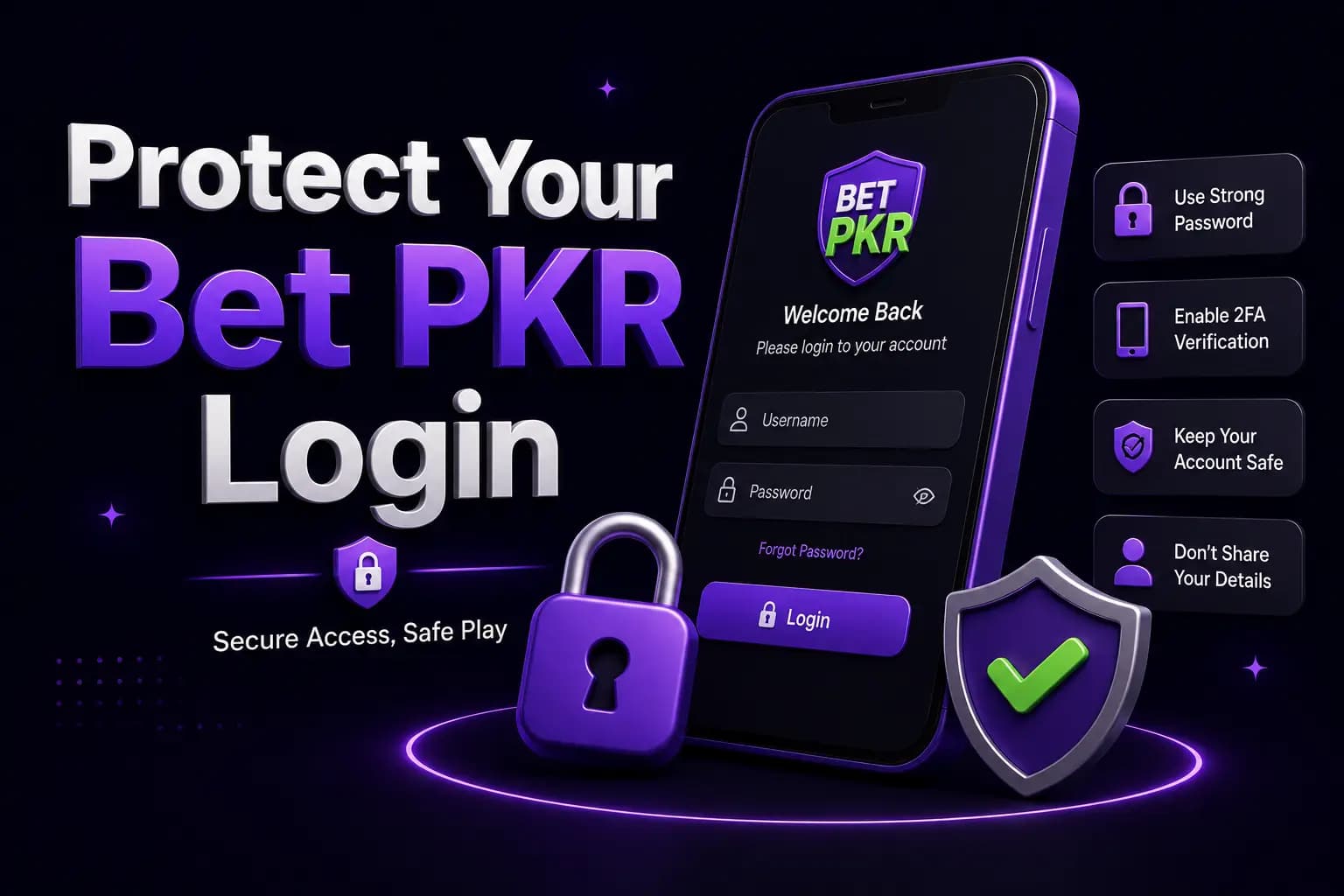
Protect Your Bet PKR Login
- Use a unique password.
- Keep OTP codes private.
- Avoid shared devices.
- Do not use public Wi-Fi for payments.
- Log out after using another phone.
- Do not save credentials on public browsers.
- Avoid links sent by unknown agents.
- Never install screen-sharing software for support.
- Review account activity regularly.
Fake Login and Support Scams
Be suspicious when someone:
- Promises guaranteed account recovery
- Requests an OTP
- Asks for your password
- Requests a fee to unlock the wallet
- Sends a shortened login link
- Demands remote access
- Claims a deposit is required for verification
- Threatens immediate account deletion
Use the support option visible inside the account or verified website.
Conclusion
The Bet PKR login process is simple when the correct account details and verified login page are used.
Use the official recovery screen for password or OTP issues, stop repeated failed attempts and never share login credentials with an agent or social-media account.
Frequently Asked Questions
Open the verified login screen and enter the registered mobile number or username together with the password.