
 Preview



Bet PKR Registration Guide
Bet PKR registration is the process of creating a personal account for accessing games, wallet functions, promotions and payment features.
The exact form can change between app versions. Only enter fields shown on the current registration screen, and do not provide additional personal information to an agent through social media.
Commonly reported on
- Account Setup
- Secure Password
- Referral Codes
- Common Issues
What You May Need to Register
The form may request:
- Mobile number
- Username
- Password
- Password confirmation
- Verification code
- Referral or invitation code
- Preferred language
- Agreement to terms
Some accounts may later require payment-account or identity verification. The required information should be confirmed inside the actual app.
Before Creating an Account
Verify the Registration Page
Check:
- Website spelling
- Secure connection
- App source
- Unexpected redirects
- Whether the form asks for wallet PINs
- Whether support is requesting an OTP
A legitimate registration form should not need your Easypaisa PIN, JazzCash MPIN, email password or banking password.
Use Your Own Mobile Number
Use a number you control and can access. It may be required for:
- OTP verification
- Password recovery
- Device verification
- Account alerts
- Support requests
Do not register with a borrowed or temporary number.
Create a Unique Password
The password should not match the password used for:
- Mobile wallet
- Bank account
- Social media
- Phone lock
Use a long mixture of letters, numbers and symbols. Avoid names, birthdays and easy number sequences.
How to Register on Bet PKR
- Open the verified app or registration page.
- Select Register, Sign Up or Create Account.
- Enter your active mobile number.
- Choose a username when required.
- Create a strong password.
- Re-enter the password accurately.
- Enter a referral code only when you understand its conditions.
- Read the terms and privacy information.
- Tap the registration button once.
- Complete OTP verification if requested.
- Save the username securely.
Do not create a second account because the first screen is slow. Wait and check whether the account was created.
Mobile Number Verification
An OTP is a temporary code sent to confirm access to a mobile number.
Keep the OTP private. A support representative should not need you to send the full code through WhatsApp, Telegram or a phone call.
If the code does not arrive:
- Confirm the country code and number.
- Check mobile signal.
- Wait before requesting another code.
- Restart the phone.
- Check blocked SMS messages.
- Ensure the SIM can receive texts.
- Use the resend option once.
Repeated OTP requests can trigger a temporary restriction.

Should You Use a Referral Code?
A referral code may connect the account to an inviter or promotional campaign.
Before using it, check:
- Whether it is optional
- What reward is offered
- Whether a deposit is required
- Whether wagering conditions apply
- Whether it affects future promotions
- Whether the inviter receives commission
A referral code does not guarantee free withdrawable money.
Registration Bonus Checks
Promotions may be displayed after registration, but the visible bonus amount should not be treated as cash until the conditions are read.
Check:
- Minimum deposit
- Eligible games
- Turnover requirement
- Expiry date
- Withdrawal limit
- Account-verification requirement
- Restricted payment methods
Do not deposit more than planned simply to qualify for a promotion.
Common Registration Problems
Mobile Number Already Exists
The number may already be linked to an account. Use the login or password-recovery process rather than creating another account.
Username Is Unavailable
Choose a different username without adding sensitive information such as a CNIC number or full phone number.
Passwords Do Not Match
Re-enter both password fields carefully. Turn off unwanted auto-capitalisation where necessary.
OTP Is Expired
Request a new code after the waiting period. Enter only the newest OTP.
Registration Button Does Nothing
Check:
- Internet connection
- Missing required fields
- Terms checkbox
- Browser scripts
- App version
- Temporary server problem
Account Is Created but Login Fails
Confirm the username or mobile number used during registration. Avoid guessing the password repeatedly.
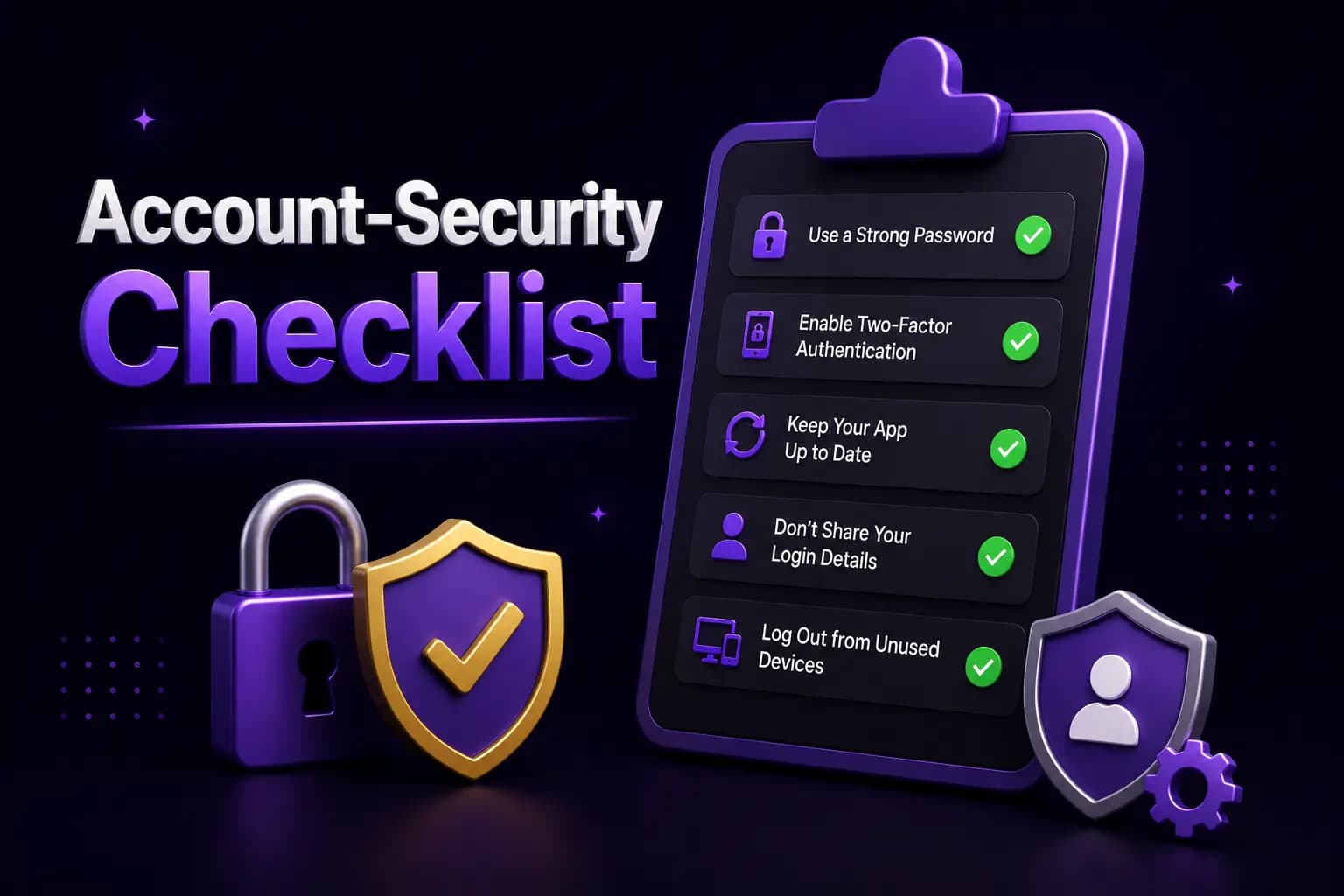
Account-Security Checklist
After registration:
- Store the username securely.
- Do not share the password.
- Keep recovery access to the registered SIM.
- Review active devices when available.
- Log out from shared phones.
- Avoid public Wi-Fi.
- Do not save credentials in an unknown browser.
- Never disclose an OTP.
- Review wallet and payment details.
- Keep screenshots of important account information without exposing passwords.
One Account or Multiple Accounts?
Some gaming platforms restrict users to one account, mobile number or payment identity. Creating several accounts may cause:
- Bonus cancellation
- Verification problems
- Withdrawal review
- Account suspension
- Duplicate-payment issues
Read the current platform rules before creating another account.
Registration and Age Restrictions
Real-money gaming should be limited to adults who meet the age requirement in their jurisdiction.
Do not create an account for a child or allow a minor to use payment methods connected to an adult account.
Financial Warning
Registration is not a promise of earnings. A user can lose deposited funds through paid games.
The World Health Organization identifies financial distress and diversion of household money as signs of gambling harm. Do not use essential funds or borrowed money.
Conclusion
The Bet PKR registration process should be completed through a verified app or website using an active mobile number and unique password.
Read promotion conditions before using a referral code, keep recovery access to the registered SIM and never share OTP or wallet credentials with an agent.
Frequently Asked Questions
Creating an account may not require a registration fee. Paid games can still require a deposit.