
Betpkr Link Not Opening: Causes and Fixes
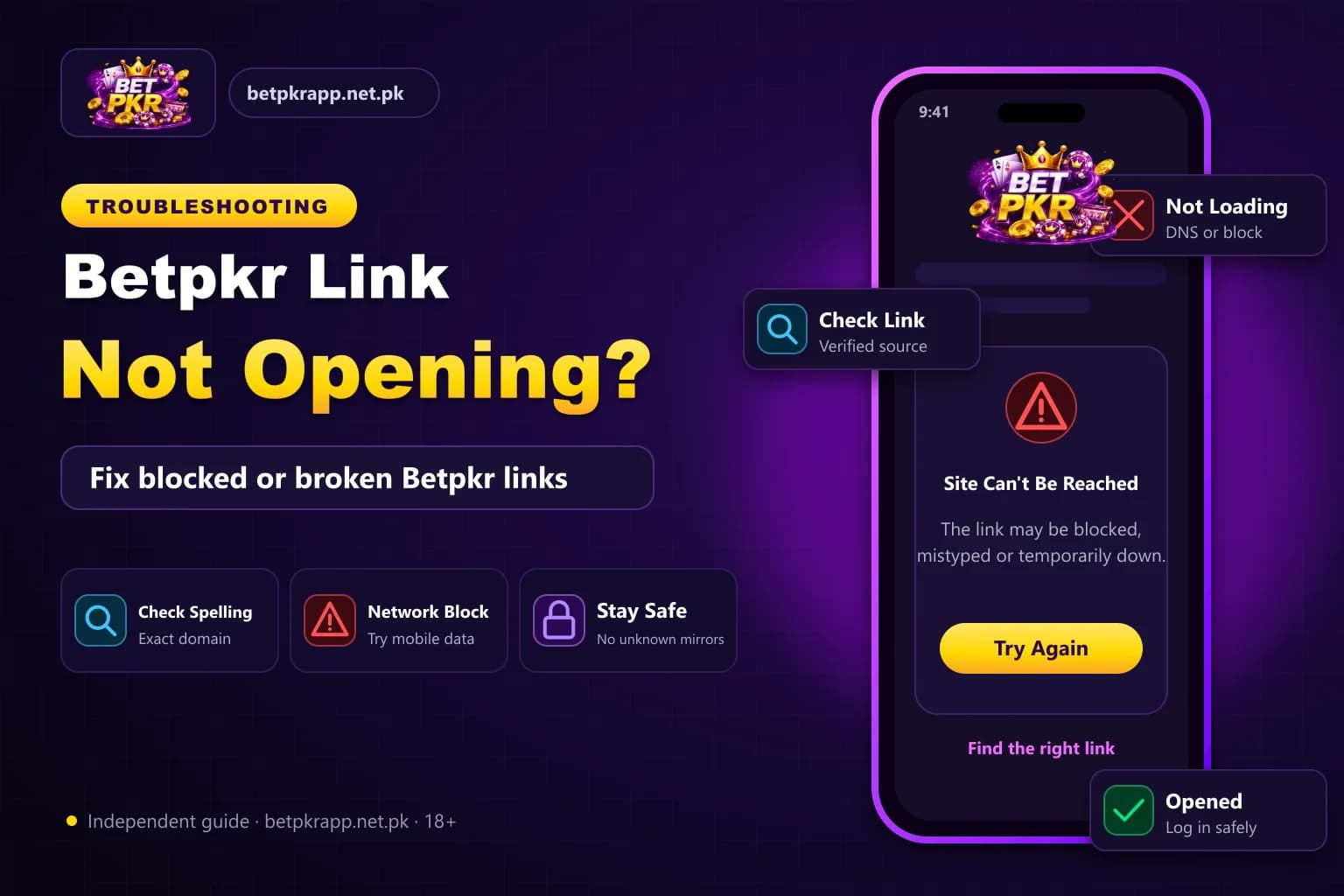
When a Betpkr link is not opening, the cause is usually on your side: a weak connection, an old cached page, a DNS problem or a saved link that no longer points to the right address. Less often, the site itself is down for maintenance or the domain has changed.
This guide walks you through the checks in a sensible order, from the quickest tests to the steps that take a few minutes. It also explains how to find the current Bet PKR link safely, because a broken link is exactly the moment scammers use to push copied login pages.
This is an independent information site, not the official Betpkr platform. Real-money gaming is for adults aged 18 and over only, and you should never enter your password on a page you are not sure about.
What should I do if the Betpkr link is not opening?
A Betpkr link that is not opening is usually caused by a weak connection, old browser cache, a DNS error or an outdated saved link. Switch between Wi-Fi and mobile data, clear cache, then confirm the current address through the app or a trusted source. Avoid unverified Telegram and WhatsApp links.
| Item | Detail |
|---|---|
| First test | Switch Wi-Fi and mobile data |
| Blank page or spinner | Clear cache or try incognito |
| Fails on every network | Possible maintenance or changed domain |
| Age | 18+ only |
| Last updated | October 7, 2026 |
Key Takeaways
- Most Betpkr link problems come from the network, browser cache, DNS or an old saved link, not the site itself.
- Test other websites and switch between Wi-Fi and mobile data before changing any phone settings.
- If the page fails on every device and network, the site may be under maintenance or using a new domain.
- Links shared in Telegram and WhatsApp groups often lead to copied login pages that steal passwords and OTPs.
- Check spelling and https before logging in; real-money gaming is for adults 18+ only.
Is It Your Network or the Betpkr Site?
Before changing any settings, spend one minute finding out where the problem is. That tells you which fixes are worth trying.
Run these quick tests:
- Open two or three other websites. If they also fail, the problem is your internet, not Bet PKR.
- Switch from Wi-Fi to mobile data, or the other way round, and try the link again.
- Try the same link on a second phone or a laptop on a different network.
- Look at the exact error. 'This site can't be reached' or 'DNS_PROBE' points to a network or DNS issue. A blank white page or endless spinner often points to cache. A 'connection not private' warning means stop and check the address.
- Ask a friend who uses the platform whether the login page opens for them right now.
If the page fails everywhere, on every network and device, the site may be under maintenance. Wait a while and try again rather than searching for alternative links in a hurry.
Quick Diagnosis: Match the Symptom to the Cause
Match what you see with the most likely cause:
- Other sites also not loading: your internet connection or data package.
- Opens on mobile data but not on Wi-Fi: router, DNS or network filtering.
- Opens on one mobile operator but not another: a network-level block or DNS issue on that operator.
- Page loads half-way or stays white: old cache, cookies or an outdated browser.
- Login page opens but will not accept details: account or password issue, not the link.
- Fails on every device and network: maintenance or a changed domain.
- Security warning or different-looking page: possible fake site, close it.
Clear Cache and DNS, Then Switch the Network
Most cases of the Betpkr site not working on one phone are fixed by refreshing what the browser and phone have stored. Work through these steps in order and test the link after each one:
- Close the browser fully, reopen it and load the link again.
- Open the link in a private or incognito tab. If it works there, your normal cache is the problem.
- Clear cache and cookies for the browser (in Chrome: Settings, Privacy and security, Clear browsing data).
- Update the browser from the Play Store or App Store, then restart the phone.
- Turn airplane mode on for ten seconds and off again to refresh the mobile connection.
- Restart your Wi-Fi router if only Wi-Fi is failing.
- Try a different browser, such as Chrome, Firefox or Samsung Internet.
- Check the date and time on your phone are set to automatic. A wrong clock can break secure connections.
If the app rather than the browser is stuck, clear the app's cache from your phone's app settings, or see our guide to the latest Betpkr APK version before reinstalling anything.
About DNS and VPN Apps
Some users change their phone's Private DNS setting to a well-known public DNS provider when one network fails to load a page. This can help with ordinary DNS errors, but it is a device setting you should only change if you understand it, and you can switch it back to 'Automatic' at any time.
Be careful with free VPN apps. Many collect data, show aggressive ads or route traffic through unknown servers, which is a poor idea when you are about to type a password or payment details. Also check that using a VPN does not conflict with the platform's own terms or local rules. In most cases, switching between Wi-Fi and mobile data is the simpler and safer test.
Betpkr Link Changed? How to Find the Current One Safely
Gaming platforms sometimes move to a new domain, and old bookmarks, shortcuts or 'Betpkr 99' style links stop opening. Searching for a new Betpkr game link in a panic is where most people end up on a copied site.
Use this safer routine:
- Check any announcement or notice inside the app you already have installed.
- Use the link from a source you have already trusted, such as your original registration message or our independent guide to the Betpkr official link.
- Compare the spelling of the address letter by letter. Fake sites add numbers, hyphens or extra words.
- Make sure the address starts with https and the browser shows no security warning.
- Log in only after the page looks and behaves like the one you know.
- Bookmark the working address once you have confirmed it, so you do not need to search again.
If you are unsure whether an address is genuine, our guide on how to identify a fake Bet PKR website or APK lists the warning signs in detail.
Why Random Telegram and WhatsApp Links Are Dangerous
When the main link is not opening, groups on Telegram, WhatsApp and Facebook fill up with 'new working link' posts. Some are shared in good faith, but many are phishing pages built to copy the real login screen.
A fake page can:
- Capture your mobile number, password and OTP the moment you type them.
- Show a fake deposit screen that sends your JazzCash or Easypaisa payment to a scammer's wallet instead of your account.
- Push a modified APK that contains malware or steals your account.
- Promise 'hack' versions or guaranteed wins, which do not exist.
Never share an OTP with anyone, even someone claiming to be support. If you already entered details on a suspicious page, change your password straight away from the genuine app and follow our account recovery steps if you are locked out.
Login Page Opens but You Still Cannot Get In
If the Betpkr login page is loading but your details are rejected, the link is fine. The issue is with the account. Check the mobile number format, reset your password through the in-app option, and wait for the OTP rather than requesting several codes. Our Betpkr login and password reset guides cover each step.
When to Contact Betpkr Support
Contact customer service through the in-app help or live chat option if the link still fails after you have tested two networks, cleared cache and confirmed the address, or if your balance or a pending transaction is affected.
Give them clear details so they can help quickly:
- The address you tried, typed exactly
- Your device model and browser or app
- The network you used (Wi-Fi or mobile data, and which operator, such as Jazz, Zong, Telenor or Ufone)
- A screenshot of the error message
- The approximate time the problem started
Only use support contacts shown inside the genuine app or website. Do not trust numbers posted in comments or groups, and never send your password to anyone. Treat any downtime as a reminder to keep play within a budget you can afford to lose.
Betpkr Link Not Opening: Common Questions
The usual causes are a weak or filtered internet connection, an old browser cache, a DNS error, an outdated saved link or temporary maintenance. Test another network first, then clear cache and check the address.
Related Betpkr Guides
We check every step on the public Bet PKR screens using ordinary Android phones and a desktop browser, and we do not publish version numbers, bonus amounts or limits we cannot verify. This is an independent guide, not the operator. Some buttons are referral links, marked as sponsored; they never change our advice. Real-money gaming is for adults 18+ only.
More Bet PKR Guides
 Updated Oct 7, 2026
Betpkr Aviator and Crash Games Explained
Betpkr Aviator and crash games explained: how a round works, manual and auto cash-out, provably fair checks, and why predictor apps are always a scam.
Read More Updated Oct 7, 2026
How to Bind JazzCash or Easypaisa in Betpkr
Bind JazzCash or Easypaisa to your Betpkr account step by step, fix name and CNIC mismatch errors, and change a bound wallet safely before withdrawing.
Read More Updated Oct 7, 2026
How to Change Your Betpkr Mobile Number and Verify Your Account
Lost your SIM or changed phones? Learn how to update your Betpkr mobile number, verify your account and protect your balance with these practical steps.
Read MoreReady to Get Started?
Download the Bet PKR APK or create an account to continue.