
How to Change Your Betpkr Mobile Number and Verify Your Account
Your Betpkr mobile number is more than a login detail. It usually receives OTP codes, helps with password recovery and may be checked before a withdrawal or a change to your payment details.
If you have bought a new SIM, lost your old one or moved to a new phone, update the number before you need it. Waiting until a withdrawal or password reset is blocked makes recovery slower and more stressful.
This independent guide explains when a change is needed, the usual in-app steps, what to do when the old SIM is gone and how to avoid scammers who target people in exactly this situation. Menus can change, so always follow the current screen in your Bet PKR app.
How do I change my Betpkr mobile number?
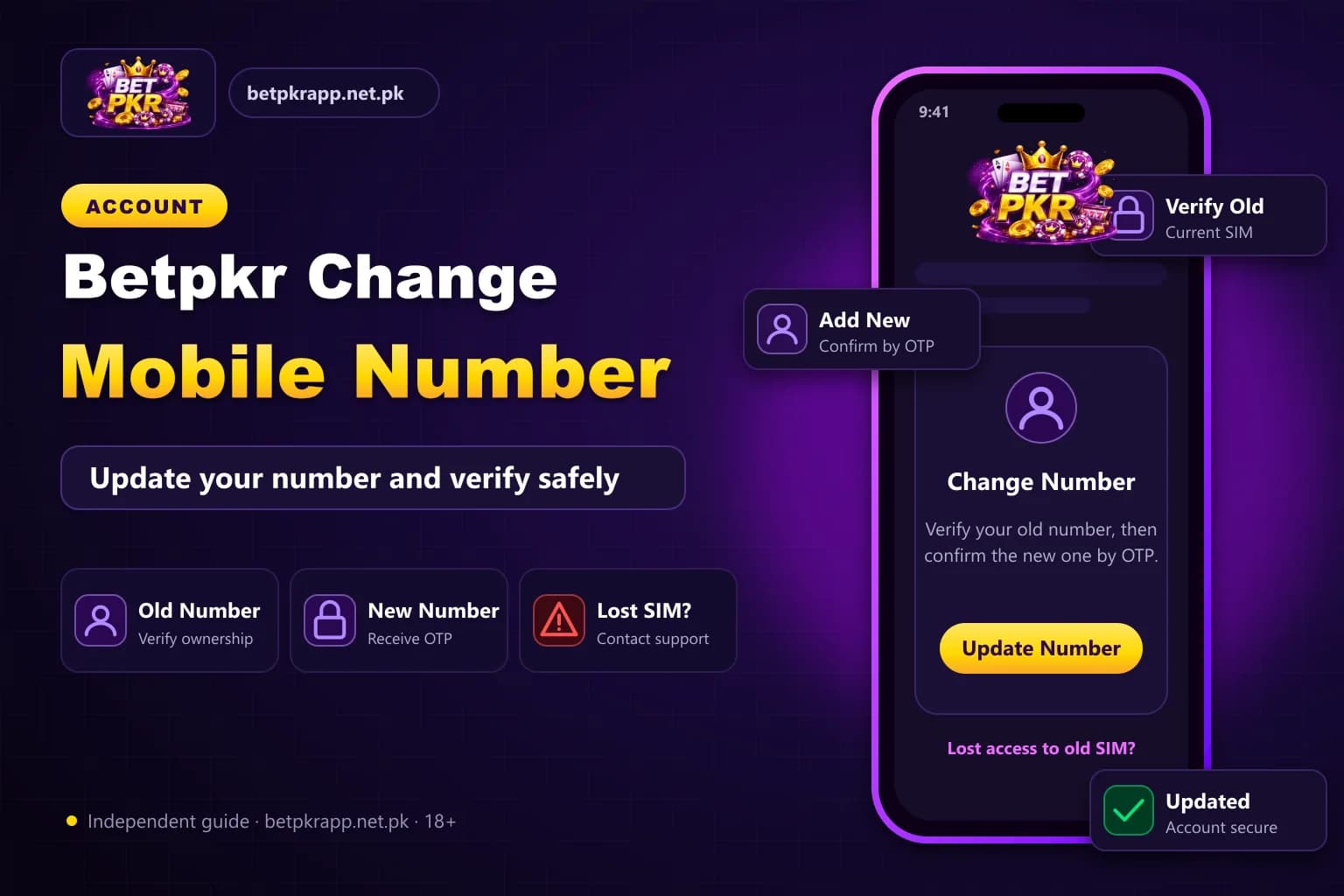
Changing your Betpkr mobile number is usually done in the profile or security section: confirm with the OTP sent to your old number, enter the new number, then verify it with a second OTP. If your old SIM is lost, get a replacement SIM first or contact verified in-app support with ownership evidence.
| Item | Detail |
|---|---|
| Where | Profile, account or security section (labels vary) |
| Verification | OTP to old number, then OTP to new number |
| Lost SIM | Replacement SIM from your network or verified support |
| Age | 18+ only |
| Last updated | October 7, 2026 |
Key Takeaways
- Your Betpkr mobile number receives OTP codes and helps with password recovery, so update it before you need it.
- A new phone with the same SIM needs no number change; just log in and complete device verification.
- With a lost SIM, first try a replacement SIM with the same number from your mobile network.
- Share a CNIC only through official in-app support when requested, never with an agent on WhatsApp.
- Never pay a fee or share your password, OTP or wallet PIN to change your number.
When You Need to Change Your Betpkr Mobile Number
Update the registered number as soon as one of these applies:
- You switched to a new SIM or a different mobile network
- Your old SIM was lost, stolen, blocked or expired
- The registered number belongs to a family member who no longer shares it
- OTP codes keep going to a number you cannot access
- You plan to stop using a number that is linked to your JazzCash or Easypaisa wallet
Moving to a new phone while keeping the same SIM does not require a number change. Simply log in on the new device and complete any verification step shown. See the Betpkr login guide (linked below) if the new device asks for a code.
Steps to Change Your Betpkr Number Inside the App
If you can still log in and still receive SMS on the old number, the change is usually quick. Labels differ between versions, so treat these as a general path:
- Open the Bet PKR app or the verified link and log in normally.
- Go to the profile, account or security section.
- Look for an option such as phone, mobile number, bind phone or security settings.
- Confirm your identity with the OTP sent to the old number, or with your password if asked.
- Enter the new number carefully, in the format the screen asks for (for example starting with 03 or +92).
- Enter the OTP sent to the new number to confirm it.
- Log out and log in again to check that the new number works.
If no option to edit the number appears, the platform may only allow the change through customer service. In that case, do not keep searching unofficial pages. Use the verified route described on our Betpkr customer service page, linked in the related guides below.
Lost SIM: How to Recover Betpkr Access With Support
A lost SIM is the harder case, because the old number cannot receive the OTP needed to approve the change. Work through it in this order:
1. Try to Recover the SIM First
In Pakistan, mobile networks can usually issue a replacement SIM with the same number after biometric verification at a franchise or service centre. This is often the fastest fix because your Betpkr account, OTP and wallet links keep working without any change on the platform.
2. Contact Verified Support
If the old number is gone for good, contact support only through the help option inside the app or a channel you have confirmed. Explain that you no longer have access to the registered number and ask what they need to approve a change.
3. Secure the Account Meanwhile
If you are still logged in on any device, change your password straight away. If the account becomes locked after too many attempts, follow our account locked recovery steps instead of retrying again and again.
Betpkr Account Verification: Evidence to Prepare
Support teams usually need to confirm that you are the real owner before moving the account to a new number. The exact requirements are set by the platform and can change, but having these ready speeds things up:
- Your username or account ID
- The old registered number, with middle digits hidden if sharing in chat
- The new number you want to add
- Approximate registration date
- Recent deposit or withdrawal details, such as date, method and transaction reference
- The JazzCash or Easypaisa account linked to the profile
- A screenshot of any error message, without passwords visible
Some platforms may ask for a CNIC check before approving sensitive changes. Share identity documents only through the official in-app channel, and only when support specifically requests them. Never send a CNIC photo to a WhatsApp number you found in a comment, group or advert.
Quick Comparison: Your Situation and Best Next Step
- Same SIM, new phone: log in normally and complete the device OTP.
- New SIM, old SIM still working: change the number in account settings using both OTPs.
- Old SIM lost, same number recoverable: get a replacement SIM from your network first.
- Old SIM lost, number gone: contact verified support with ownership evidence.
- Locked out after many attempts: stop retrying and follow the account recovery guide.
- OTP never arrives on the new number: check the troubleshooting steps in our OTP guide.
Bet PKR Number Change Scam Warnings
Fraudsters know that people locked out of an account are worried about their balance. Be careful when someone:
- Messages you first, offering to change your number for a fee
- Calls themselves an agent and asks for your password or full OTP
- Asks you to install a separate app or modified APK to finish verification
- Requests a deposit to unlock or verify your account
- Sends a link to a page that looks like Betpkr but has a different domain
Real support should not need your password or wallet PIN to update a number. If in doubt, read our guide on how to identify a fake Bet PKR website or APK before you share anything.
Keep Your Account Safe After the Change
- Log in once more to confirm the new number receives OTP codes.
- Set a strong password you do not use anywhere else.
- Check that your withdrawal wallet details are still correct.
- Log out and remove the app from any old phone you are selling or giving away.
- Keep a private note of the date you made the change.
Betpkr involves real money and is for adults aged 18 or over. Keep deposits within a budget you can afford to lose, and take a break if account problems are causing stress.
Frequently Asked Questions
Usually yes. If you can still receive OTP on the old number, look for a phone or security option in your profile. If the option is missing, ask verified customer service to make the change.
Related Guides
We check every step on the public Bet PKR screens using ordinary Android phones and a desktop browser, and we do not publish version numbers, bonus amounts or limits we cannot verify. This is an independent guide, not the operator. Some buttons are referral links, marked as sponsored; they never change our advice. Real-money gaming is for adults 18+ only.
More Bet PKR Guides
 Updated Oct 7, 2026
Betpkr Aviator and Crash Games Explained
Betpkr Aviator and crash games explained: how a round works, manual and auto cash-out, provably fair checks, and why predictor apps are always a scam.
Read More Updated Oct 7, 2026
Betpkr Link Not Opening: Causes and Fixes
Betpkr link not opening or the login page stuck? Find out if it is your network or the site, fix cache and DNS, and find the current link without risk.
Read More Updated Oct 7, 2026
Betpkr Game Download: Is Betpkr on Google Play Store?
Is Betpkr on the Google Play Store? Learn why real-money apps are rarely listed, how to spot copycat store apps and how to check an APK before installing.
Read MoreReady to Get Started?
Download the Bet PKR APK or create an account to continue.