
Bet PKR Withdrawal Completed but Money Not Received
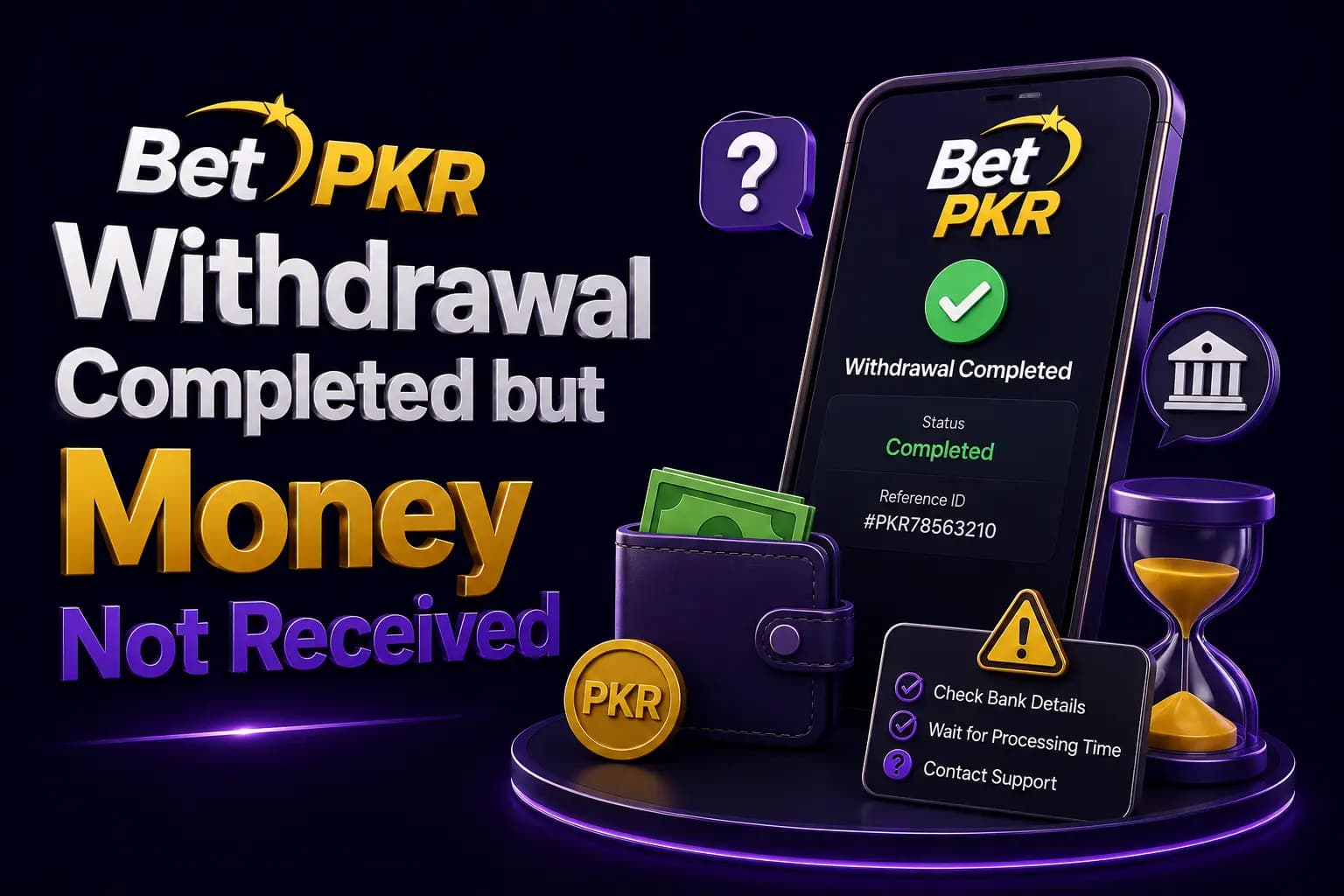
A Bet PKR withdrawal may appear as completed inside the account while the expected money is not visible in Easypaisa, JazzCash or a bank account.
The completed status may mean that the platform has processed the request, but it does not always prove that the payment provider has credited the final account.
Check the selected withdrawal details and request a transaction reference before assuming that the money has disappeared.
Confirm the Withdrawal Status
Open the withdrawal history and verify whether the request says:
- Pending
- Processing
- Approved
- Completed
- Rejected
- Cancelled
Take a screenshot showing the amount, date and request ID.
Do not share a screenshot containing complete payment or identity details publicly.
Check the Selected Payment Account
Confirm that the withdrawal was sent to the intended:
- Easypaisa number
- JazzCash number
- Bank account
- IBAN
- Account holder
A typing error or previously saved account may direct the request elsewhere.
Review the Payment App Transaction History
Do not rely only on SMS notifications.
Open the wallet or bank app and check:
- Recent transactions
- Incoming transfers
- Pending payments
- Reversed payments
- Hidden or filtered entries
- Current balance
An SMS may be delayed even when the payment is already visible in the account.
Check Whether the Account Name Matches
A mismatch between the Bet PKR profile and payment-account holder may cause additional review.
Examples include:
- Nickname instead of legal name
- Another family member’s wallet
- Misspelled account title
- Old bank account
- Closed mobile-wallet number
Use an account you control and confirm the details before every withdrawal.
Request the Transaction Reference
When the platform marks the request completed, ask verified support for:
- Transfer reference
- Transaction ID
- Payment-provider reference
- Processing date and time
- Destination details with sensitive digits hidden
The payment provider can use this information to trace the transfer.
Check With Easypaisa or JazzCash
Contact the official wallet provider when:
- A valid transaction reference is available.
- The platform says the transfer was completed.
- The correct wallet number was used.
- No incoming payment appears.
Do not contact a phone number copied from a social-media comment.
Check With the Bank
For bank transfers, provide:
- Reference number
- Amount
- Date
- Sending institution where known
- Recipient account
- Expected processing details
Banking delays may occur during maintenance, holidays or additional review, but no fixed timeframe should be promised without confirmation.
Withdrawal Sent to the Wrong Account
When the destination is incorrect:
- Save the request evidence.
- Contact verified platform support immediately.
- Contact the payment provider.
- Ask whether the transfer can be traced or recalled.
- Do not pay a recovery agent.
- Change saved withdrawal details after the case is reviewed.
Recovery may not be possible once a transfer reaches another valid account.
Completed Status Changed Back to Pending
A status can sometimes update while a transaction is being reconciled.
Save screenshots of both statuses and avoid creating another withdrawal request.
Repeated requests can make the case harder to follow.
Watch for Release-Fee Scams
A scammer may say that the withdrawal requires:
- Tax payment
- Security deposit
- Account activation fee
- Anti-money-laundering fee
- Wallet unlock charge
- Agent commission
- Second deposit
Do not send money to an unknown person to release an existing payment.
Any legitimate fee should be clearly displayed in the platform terms or deducted transparently.
Evidence to Keep
Save:
- Withdrawal request ID
- Amount
- Date and time
- Completed-status screenshot
- Destination account
- Support responses
- Payment-provider reference
- Bank or wallet statement
- Bonus terms when relevant
Keep the original files rather than edited screenshots.
How to Write a Support Complaint
Use a clear message:
My withdrawal request for [amount] shows completed on [date and time], but the payment is not visible in my [payment method] account. The withdrawal request ID is [ID]. Please provide the transaction reference and confirm the destination details.
Avoid abusive or repeated messages. A clear record is more useful during escalation.
Protect the Account During a Dispute
While the payment is investigated:
- Change the password when suspicious activity appears.
- Do not share OTP codes.
- Do not allow remote access.
- Do not add another person’s wallet.
- Avoid further deposits.
- Save support communication.
- Review recent login activity.
Financial-Risk Reminder
A completed withdrawal issue should be resolved before further real-money play.
Do not deposit additional funds based on a promise that a larger payment will unlock the missing withdrawal.
Frequently Asked Questions
The payment may be delayed at the provider, sent to incorrect details or require a transaction trace.
Related Guides
More Bet PKR Guides
 Guide
GuideBet PKR Account Locked? Causes and Recovery Steps
Learn why a Bet PKR account may be locked, how to recover access, which evidence to save and how to avoid fake account-unlock agents.
Read guide Guide
GuideHow to Identify a Fake Bet PKR Website or APK
Learn how to spot a fake Bet PKR website, copied login page, unsafe APK, false support agent and suspicious payment request before sharing information.
Read guide Guide
GuideBet PKR Deposit Successful but Balance Not Updated
Bet PKR deposit completed but balance missing? Verify the recipient, transaction ID, payment status and account before contacting support.
Read guideReady to Get Started?
Download the Bet PKR APK or create an account to continue.