
Bet PKR Deposit Successful but Balance Not Updated
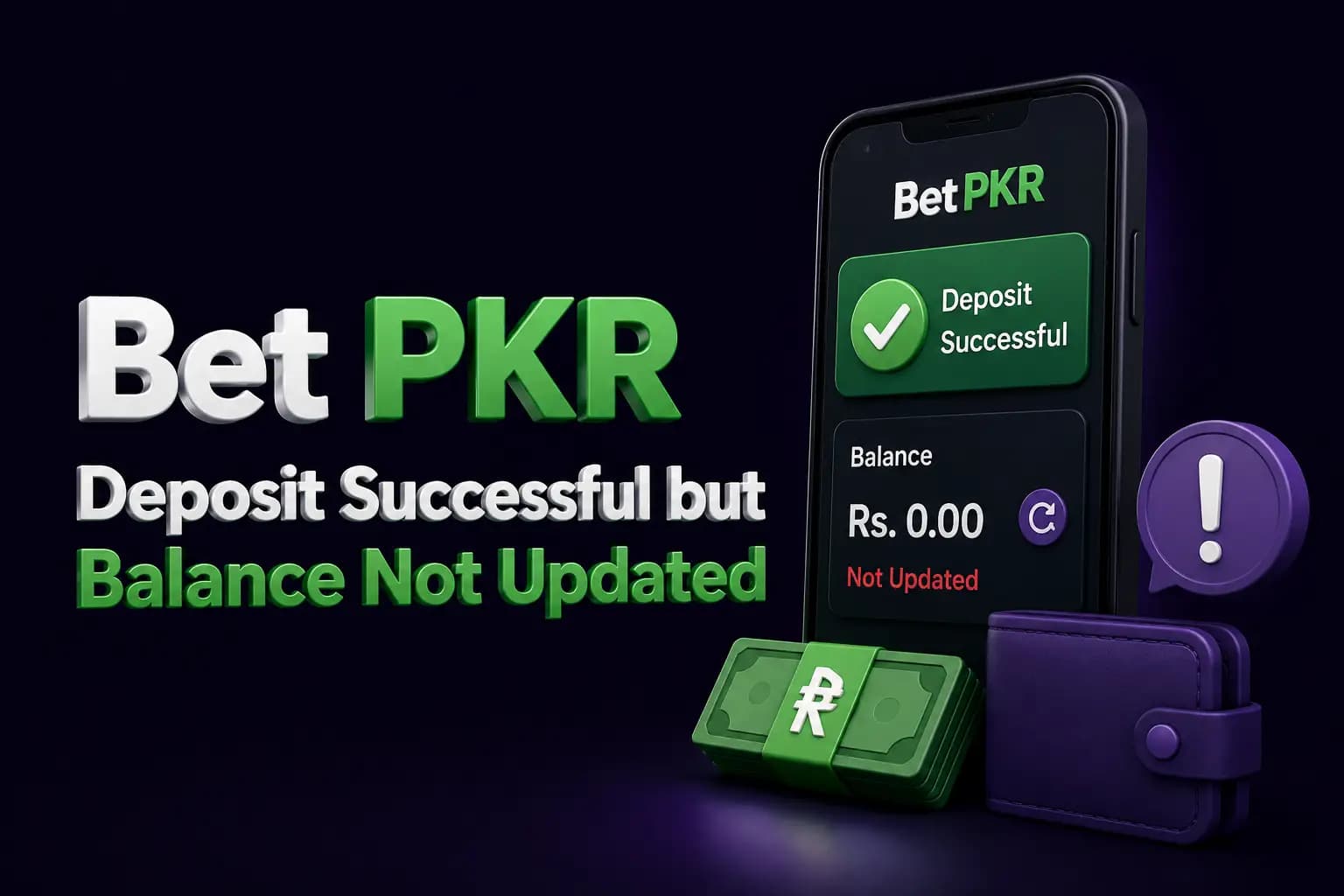
A Bet PKR deposit may show as successful in Easypaisa, JazzCash or a banking app while the gaming wallet still displays the old balance.
This can happen because the payment is still being processed, the transaction reference was entered incorrectly or the money was sent to outdated recipient details.
Do not immediately send the payment again. First collect evidence and identify where the transaction stopped.
Check Whether the Payment Actually Completed
A wallet notification alone may not confirm final settlement.
Open the payment application and check whether the transaction status says:
- Successful
- Completed
- Pending
- Reversed
- Failed
- Refunded
When the payment remains pending, the platform may not have received it yet.
Refresh the Bet PKR Wallet
The app balance may not update immediately.
Try:
- Open transaction history.
- Pull down to refresh.
- Close and reopen the wallet.
- Log out.
- Restart the app.
- Log in again.
- Check both cash and bonus balances.
Do not clear all app data unless the login details are available.
Confirm the Correct Account Is Open
Some users accidentally create or access a second account.
Check:
- Username
- Registered mobile number
- Profile ID
- Deposit history
- Referral code
- Linked payment account
The deposit may have been submitted under another account or username.
Verify the Recipient Details
Compare the payment receipt with the recipient shown during the deposit process.
Confirm:
- Mobile number
- Bank account
- Account title
- Payment method
- Amount
- Date and time
Recipient information may change. Old screenshots or previously used numbers should not be reused without checking the current deposit screen.
Check the Transaction ID
A platform may need the correct transaction or reference ID to match the payment.
Common mistakes include:
- Missing digit
- Entering a phone number instead
- Uploading the wrong screenshot
- Using an older transaction ID
- Copying additional spaces
- Submitting the reference under another account
Copy the ID directly from the payment receipt where possible.
Check the Deposit Amount
The deposit may not be credited automatically when:
- The amount is below the minimum.
- The amount exceeds the maximum.
- The transferred amount differs from the submitted amount.
- A fee reduced the received amount.
- The amount was entered in the wrong currency.
- A decimal or comma was used incorrectly.
Review the current payment rules inside the account.
Look at the Deposit History
The deposit section may show:
- Submitted
- Under review
- Approved
- Rejected
- Failed
- Expired
The status helps determine whether the payment provider or platform needs to be contacted.
Payment Sent to an Expired Deposit Number
Some platforms rotate recipient numbers or accounts.
When money is sent to an old recipient:
- Do not send another payment.
- Save the receipt.
- Record where the number came from.
- Contact the payment provider.
- Contact verified platform support.
- Ask whether manual review is possible.
Avoid paying anyone who demands a recovery or unlocking fee.
Deposit Submitted Without a Reference
A transfer may be difficult to match when the platform requires a reference number or screenshot.
Prepare:
- Account ID
- Amount
- Date
- Exact time
- Payment method
- Recipient
- Transaction ID
- Receipt
Submit these details through a verified support channel.
Deposit Bonus Confusion
Sometimes the cash balance and bonus balance appear separately.
Check:
- Main wallet
- Bonus wallet
- Promotional balance
- Game wallet
- Locked balance
- Pending balance
A bonus may also appear only after meeting a qualifying condition.
Do not assume that a missing promotional amount means the cash deposit is also missing.
What Evidence Should You Save?
Keep:
- Payment receipt
- Transaction ID
- Recipient number
- Account title
- Amount
- Time and date
- Deposit-page screenshot
- Account username
- Deposit-history status
- Support conversation
Hide PINs, OTP codes and complete identity details.
How to Contact Support Safely
Use the support link visible inside the verified app or website.
Provide a clear message:
My deposit was completed through [payment method] on [date and time], but the account balance has not updated. The amount was [amount], and the transaction ID is [reference]. Please review the transaction.
Do not send the same message repeatedly through many channels.
When to Contact the Payment Provider
Contact Easypaisa, JazzCash or the relevant bank when:
- Payment status remains pending.
- The transfer was reversed.
- The wrong recipient was selected.
- The wallet shows a deduction without a transaction record.
- The platform says it never received the funds.
Ask for an official transaction status or reference.
Avoid These Mistakes
- Do not deposit again immediately.
- Do not share a wallet PIN.
- Do not send an OTP to support.
- Do not pay a verification fee.
- Do not edit a payment screenshot.
- Do not publicly post the full receipt.
- Do not trust social-media recovery agents.
- Do not send money to a new number without verification.
Financial-Risk Reminder
Deposited money may be used in games where losses are possible.
A delayed deposit should not lead to additional transfers or larger payments. Resolve the existing transaction first.
Frequently Asked Questions
The payment may be pending, the reference may be incorrect or the deposit may have been sent to outdated details.
Related Guides
More Bet PKR Guides
 Guide
GuideBet PKR Withdrawal Completed but Money Not Received
Bet PKR withdrawal marked completed but payment missing? Check the selected account, transaction history and reference before contacting support.
Read guide Guide
GuideBet PKR Account Locked? Causes and Recovery Steps
Learn why a Bet PKR account may be locked, how to recover access, which evidence to save and how to avoid fake account-unlock agents.
Read guide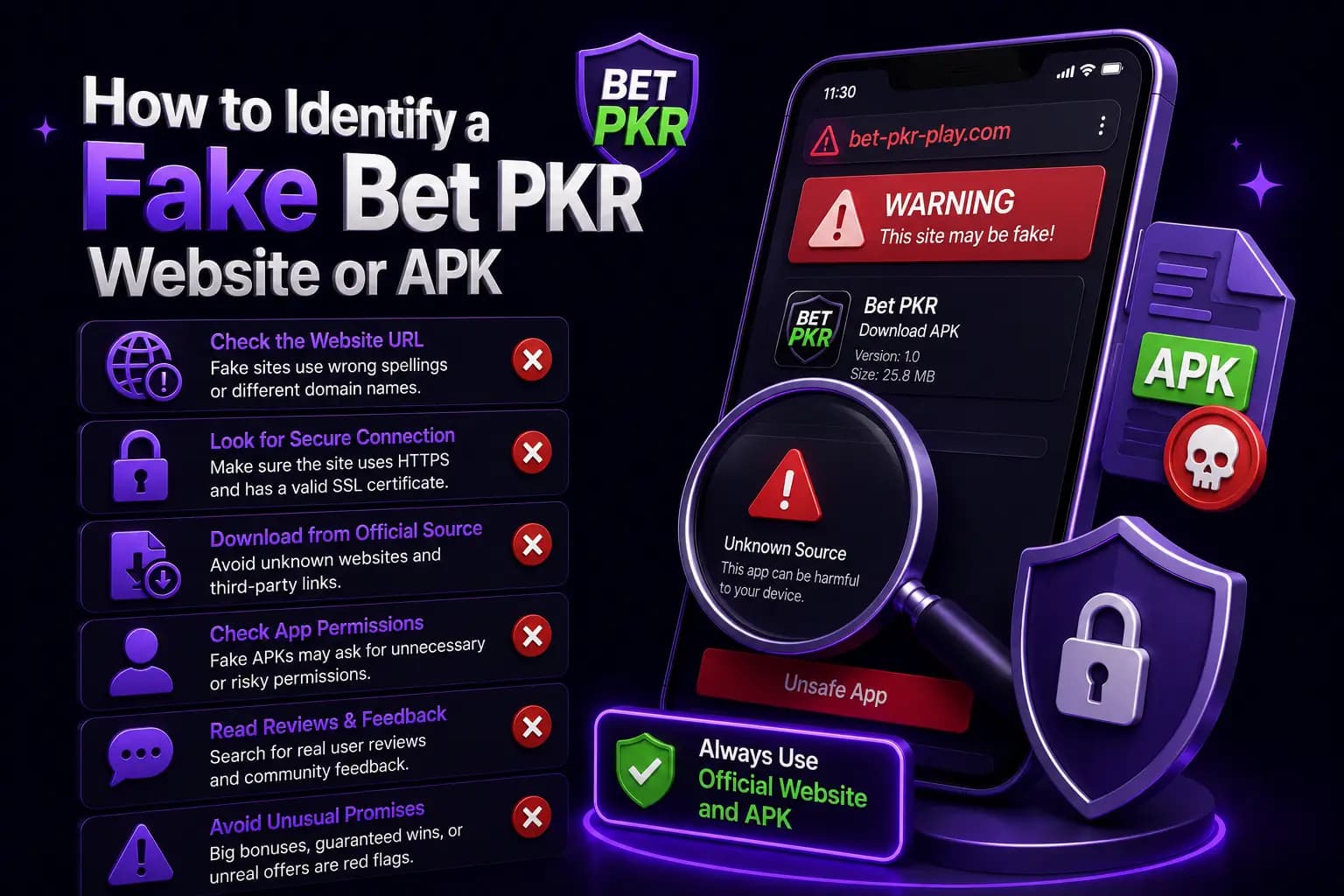 Guide
GuideHow to Identify a Fake Bet PKR Website or APK
Learn how to spot a fake Bet PKR website, copied login page, unsafe APK, false support agent and suspicious payment request before sharing information.
Read guideReady to Get Started?
Download the Bet PKR APK or create an account to continue.